

I tried Security Copilot when it was first released and was underwhelmed. Has it improved since then? Read on to find out.
Introduction
Microsoft Copilot for Security (often shortened to “Security Copilot”) is not Microsoft 365 Copilot and it’s not GitHub Copilot. It’s a security operations assistant that’s designed to sit on top of your Microsoft security stack (Defender, Sentinel, Entra, Intune, Purview, etc).
This is a practical review of Security Copilot: how you set it up, how much it costs, testing some custom and pre-made prompt playbooks and a comparison against going DIY with a general-purpose AI Agent - OpenAI’s Codex.
Disclosure: I’m not affiliated with Microsoft or OpenAI. All product names belong to their respective owners. Pricing and inclusions change frequently — treat the numbers here as “verify before purchase”.
TL;DR
- Security Copilot has improved since I first tried it: it can answer tenant-grounded questions quickly, and the built-in prompt playbooks are a genuinely nice way to structure investigations.
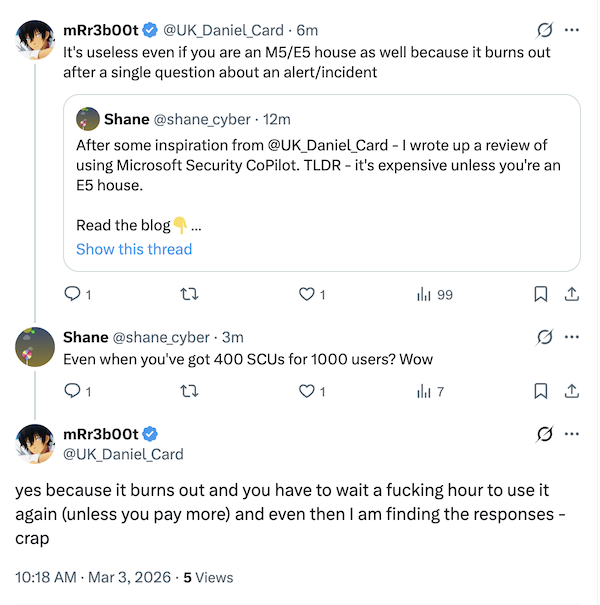
- The issue of cost still remains. It appears financially unviable to run unless you’ve got E5 licences. A single SCU costs $2,920 a month, and needs pausing every few questions.
- If you’re coming in via Microsoft 365 E5 inclusion, it’s much easier to justify a pilot. If you’re paying provisioned Azure SCUs directly, the math doesn’t add up.
- Codex Agent is a “DIY” alternative. We asked it a free-form prompt and it went off and found out the answer for us. Is it a sustainable solution? Depends what you’re looking for in an agent.
Even with E5 there are reports that SCUs exhaust quickly when investigating an alert.
Licencing
All good Microsoft journeys start with understanding your licensing model. There are two licence paths:
- Provisioned SCUs (Azure capacity) — you explicitly create Microsoft Security Copilot capacity in Azure and pay per provisioned SCU per hour. Brace yourself - a single SCU is charged at $4 per SCU per hour (that’s $2,920 a month).
- Microsoft 365 E5 inclusion — Microsoft allocates a monthly SCU allowance per paid user license count, and activation is designed to be “zero-click” when enabled for your tenant. To quote Microsoft:
Customers with Microsoft 365 E5 will have 400 Security Compute Units (SCU) each month for every 1,000 paid user license, up to 10,000 SCUs each month at no additional cost.
Read more here:
Creating Security Copilot capacity in Azure
I started by visiting the Security Copilot portal at securitycopilot.microsoft.com and following the onboarding flow.
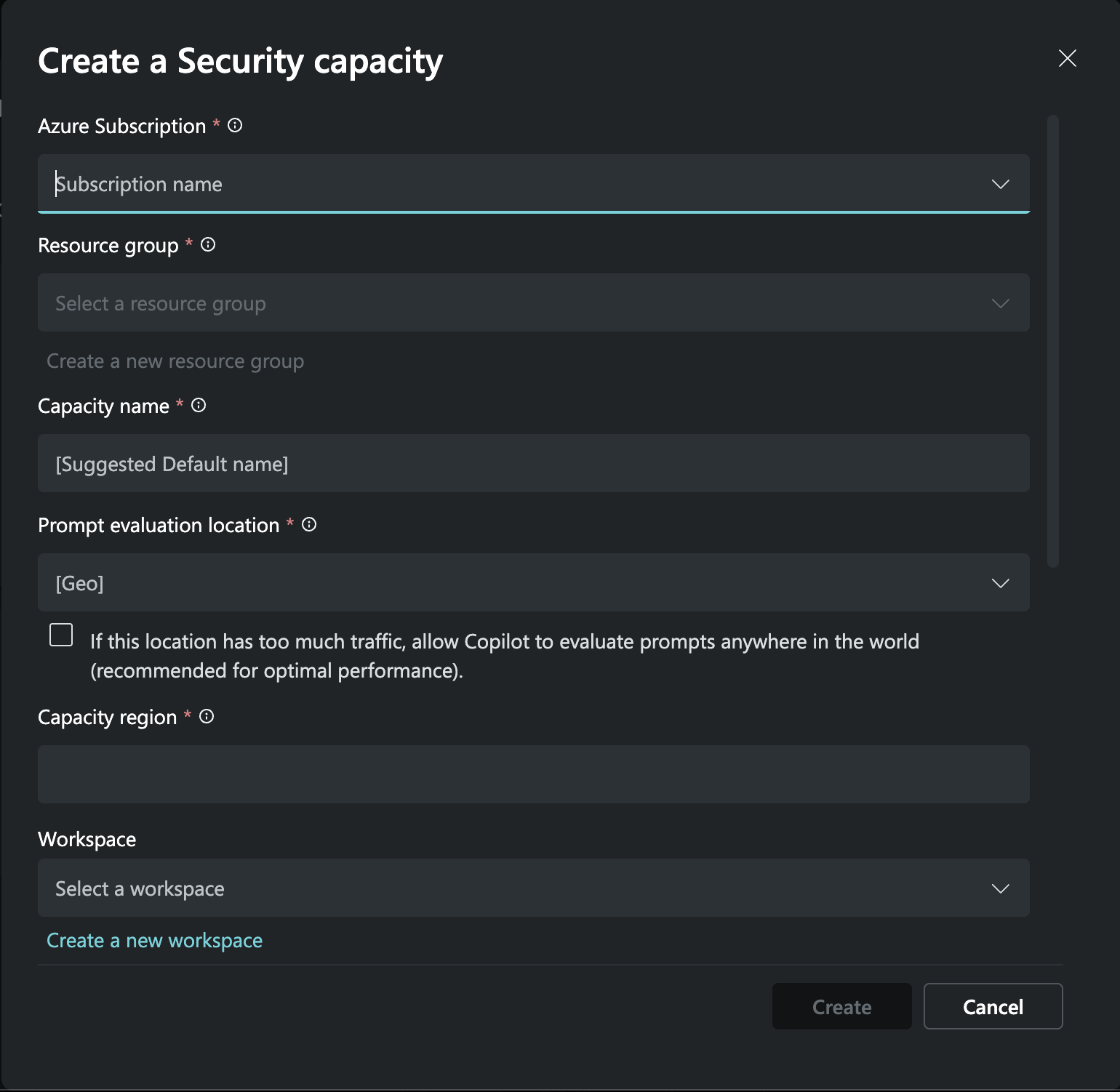
Select your subscription and create a capacity name
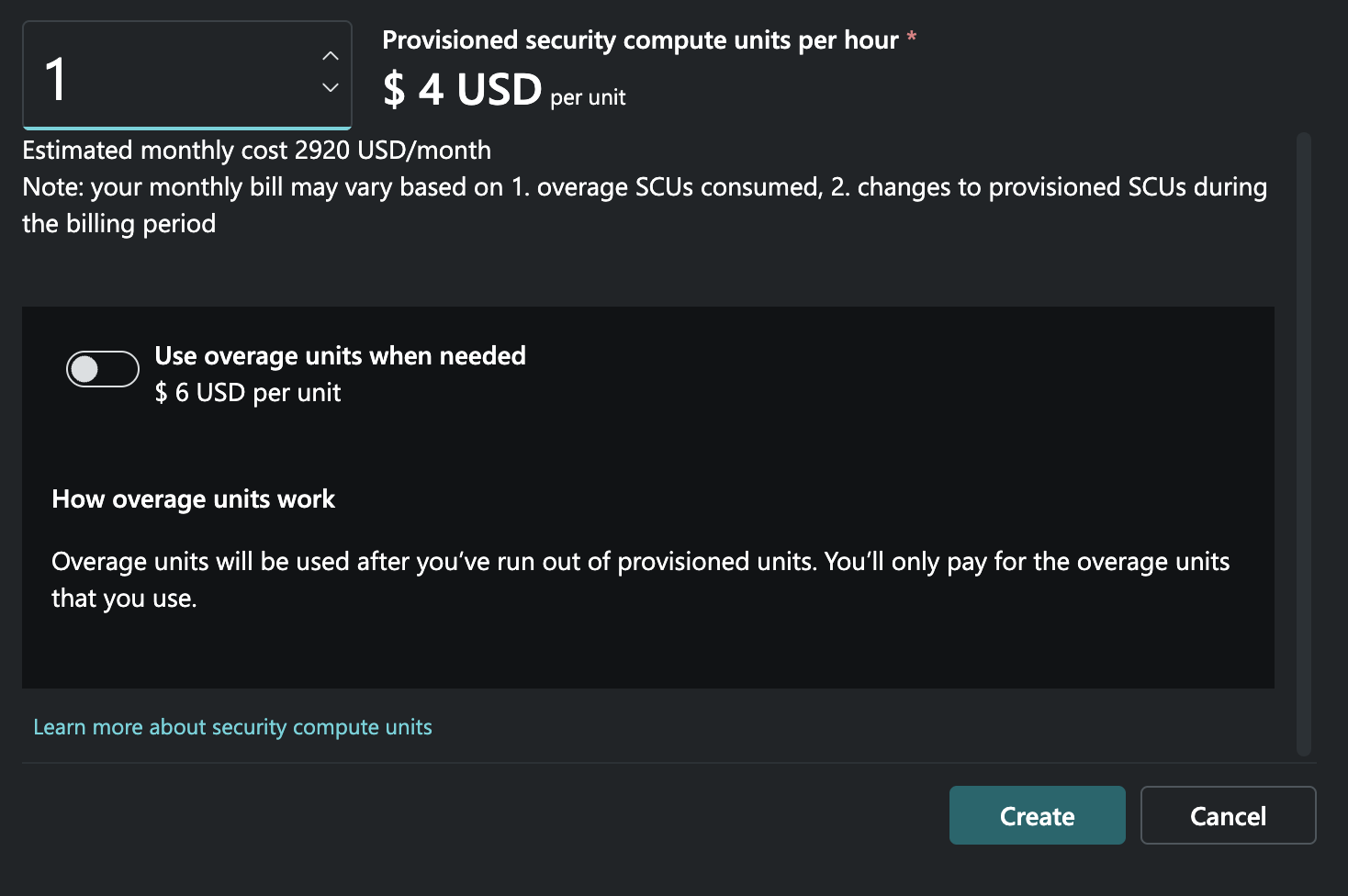
You need a minimum of 1 SCU and can have burstable overage units (which is recommended, you’ll see why later)
I begun by selecting 1 SCU and no overage.
- If SCUs are provisioned, they’re billable even when Copilot is idle, so you want to be probably use overage if you hit capacity during testing.
Running a prompt: How many times has a user been MFA’d
I quite often get complaints from users about being prompted for MFA too much, and I wanted to see if Security Copilot could help me understand the scope of the problem.
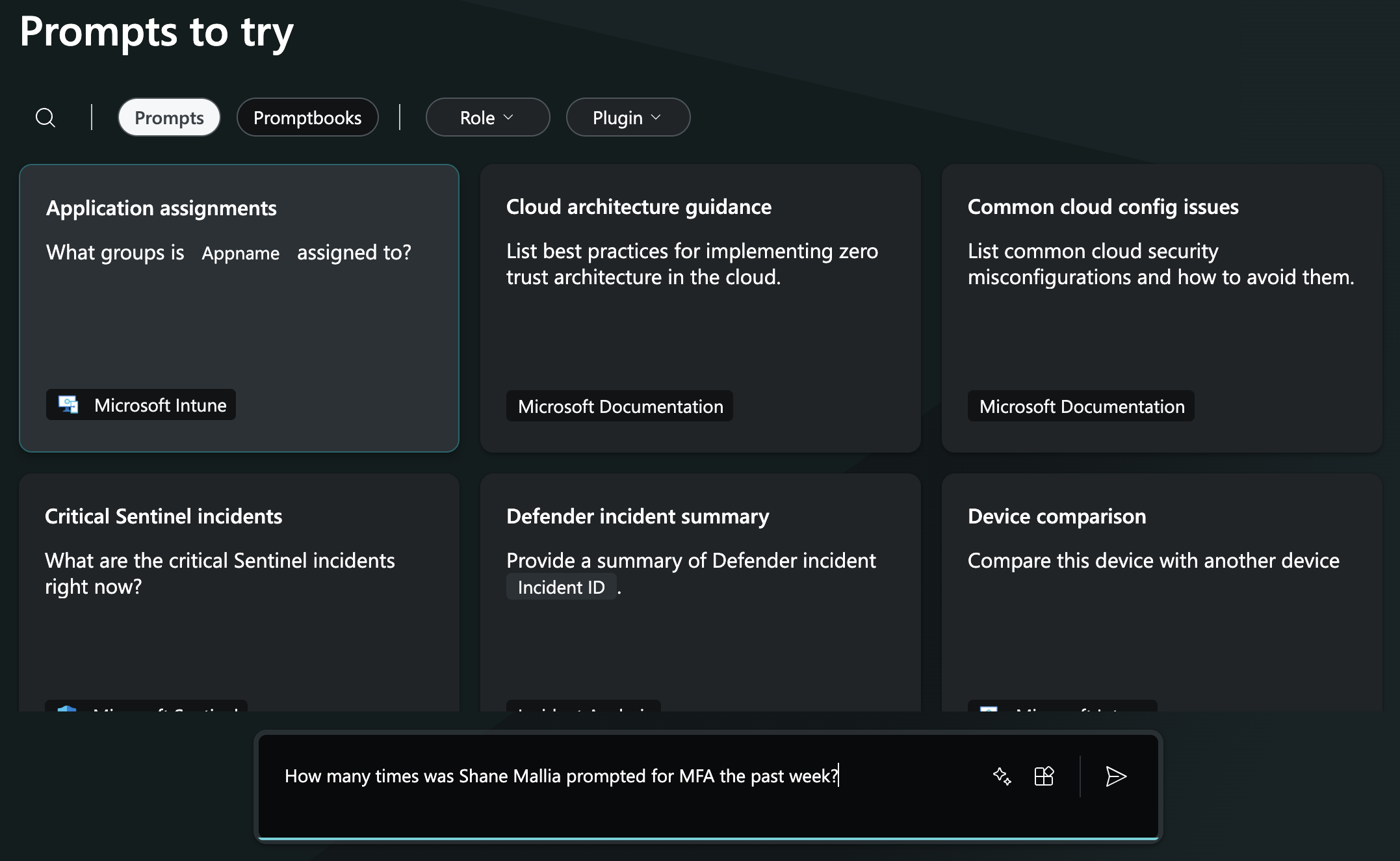
Starting with a custom prompt to query how many times my user account has been prompted for MFA
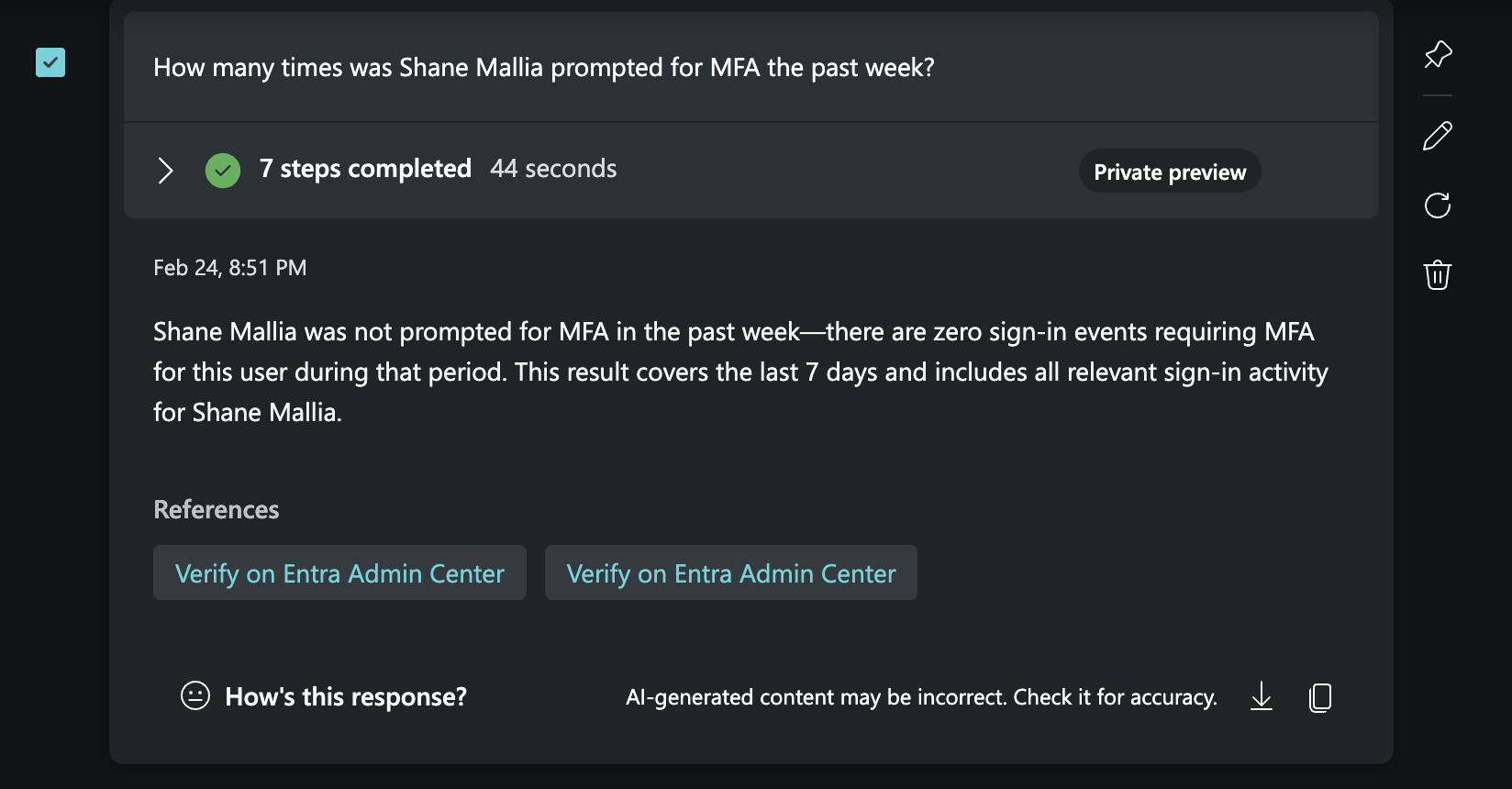
Security Copilot correctly identifies the number of MFA prompts for the user account. Previously, this showed where authentication requirement was ‘multifactor’ in logs (from memory)
Increasing the difficulty: using a prompt playbook
I thought I would ask it something more complex by using the in-built prompt playbook. These are drag and drop questions to ask the agent with variable you have to fill in. Below, I used the ‘User Analysis’ playbook which asked me which user to investigate and time periods.
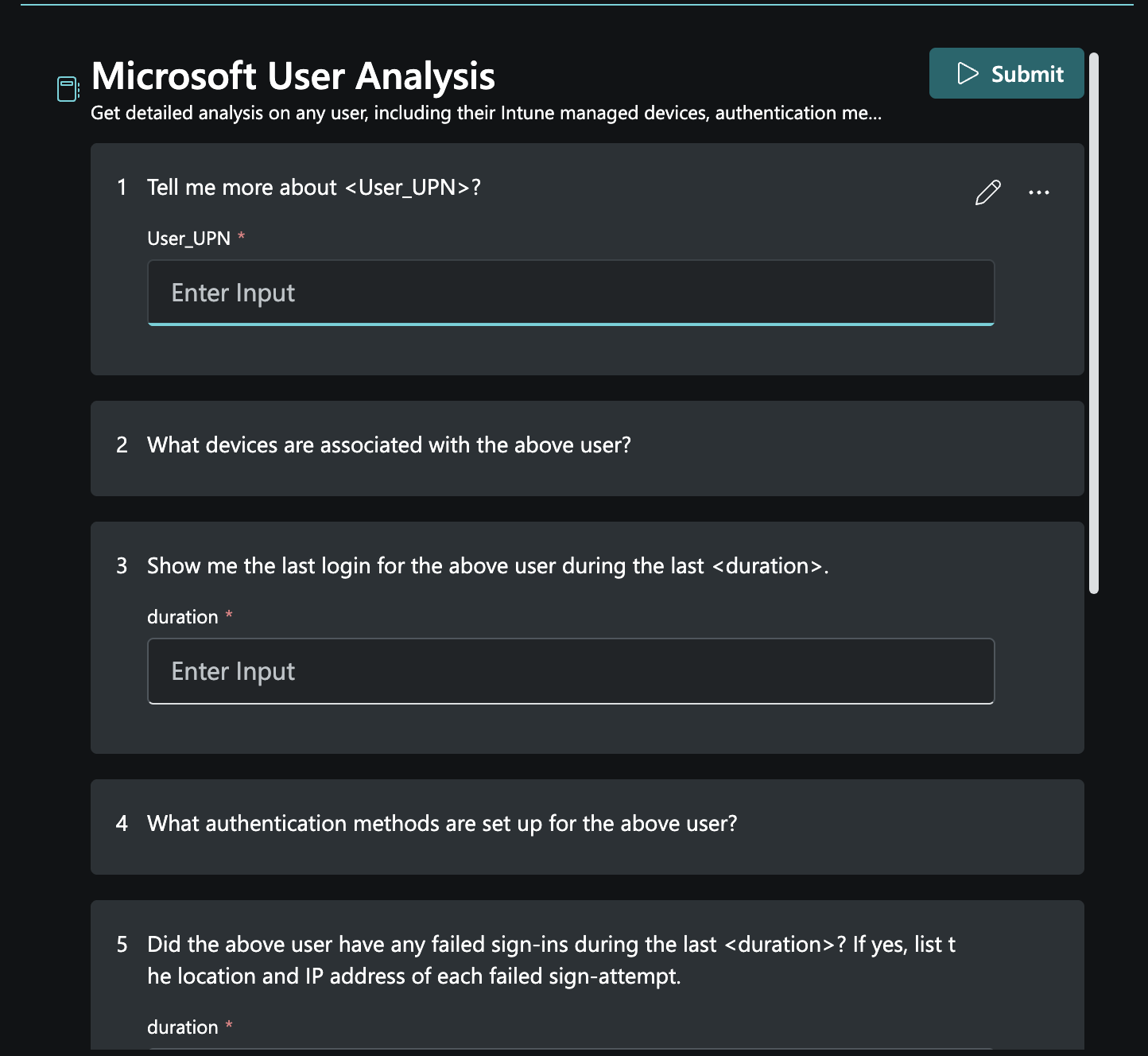
The playbook had a good set of questions and the ability to add more
Unfortunately, my limit was reached at this point. This matched my past experience. Security Copilot appears to be designed for batch jobs of the same question, rather than ad-hoc analysis - unless more SCUs are available.
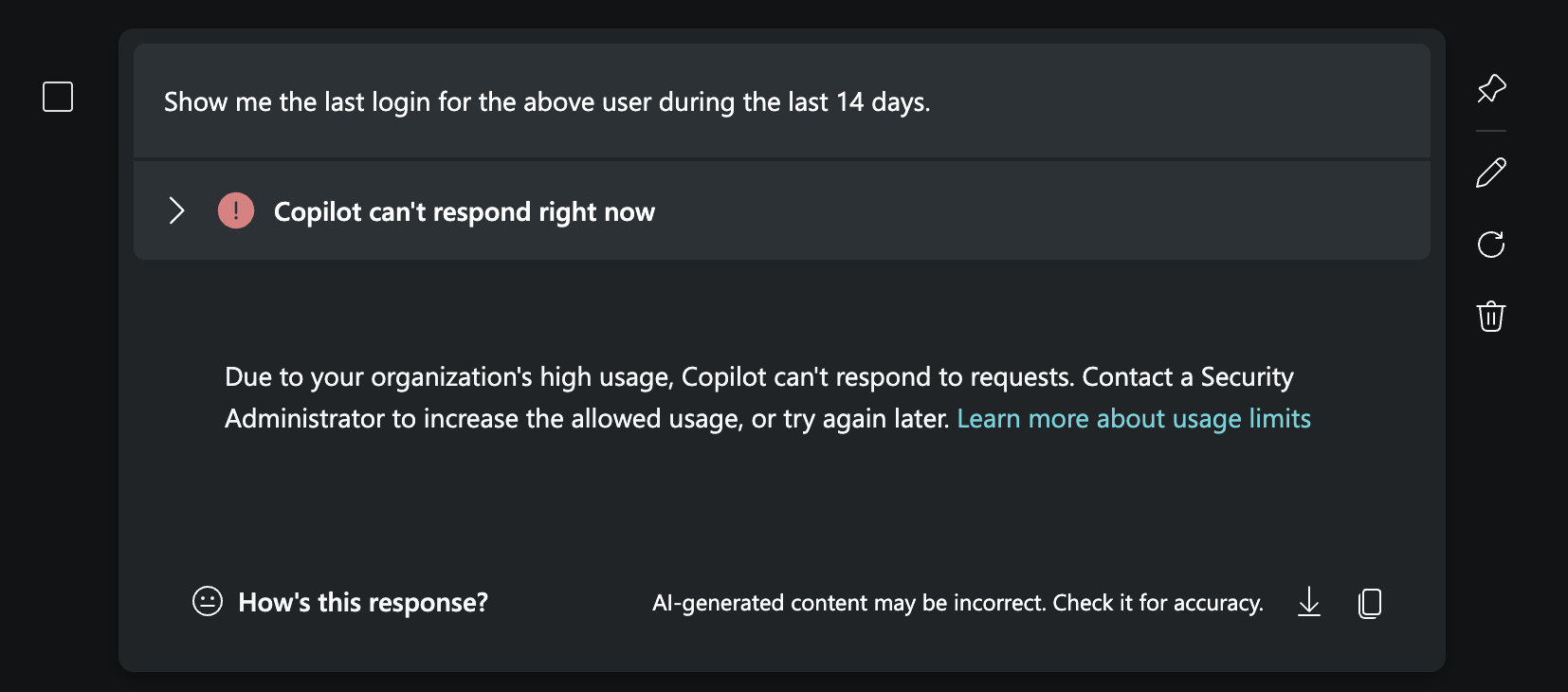
At this point I thought “Should I end the review here”
I went into Azure and upped the limit to have an overage of a second SCU. These are charged at $6 an hour, but should spin down after use.
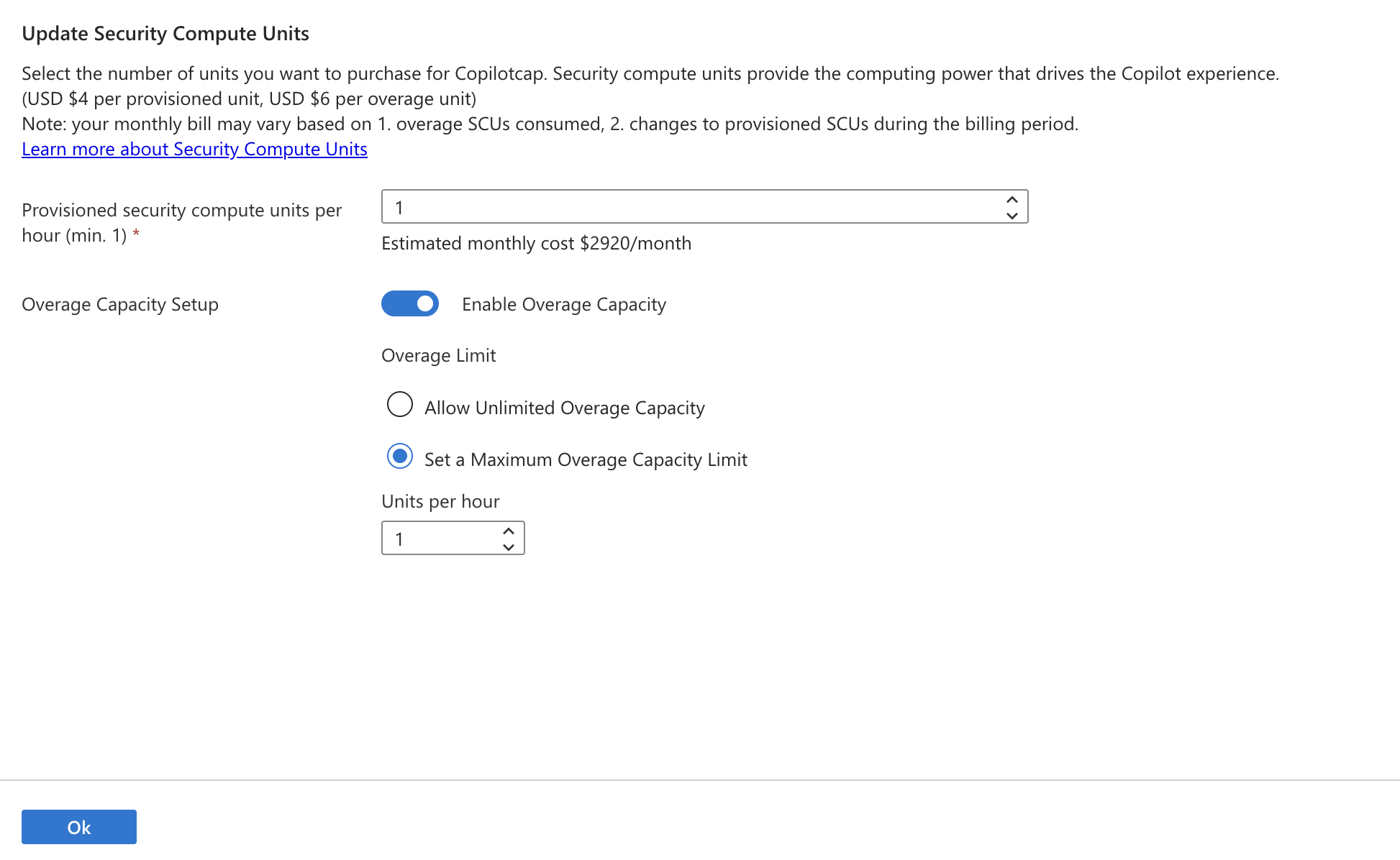
This then re-instated Security Copilot.
I had a single run of the Conditional Access optimisation agent and then I switched back to the pre-canned playbooks. This time, one that investigates threat intel. I provided it the URL to an article on ConsentFix.
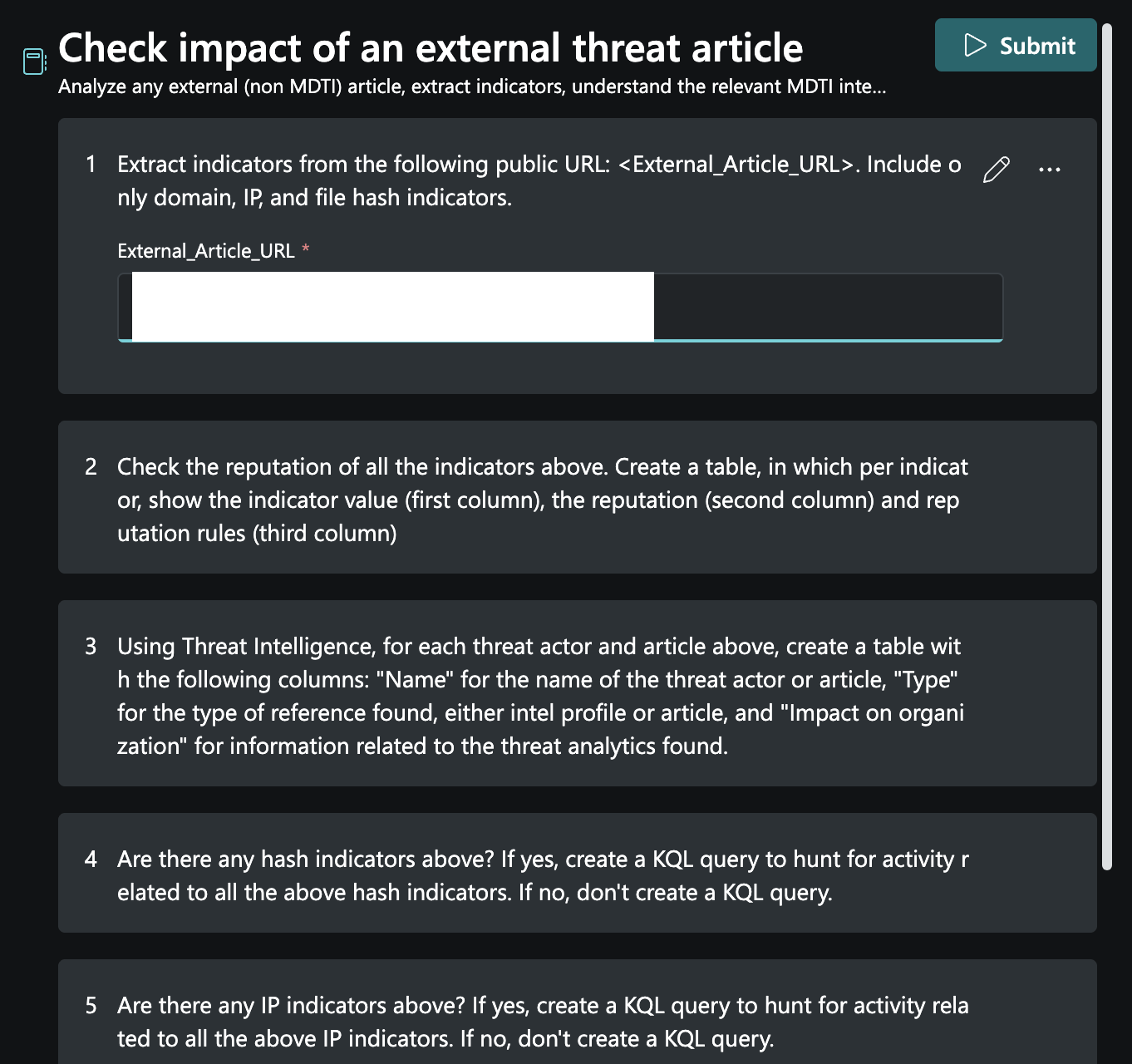
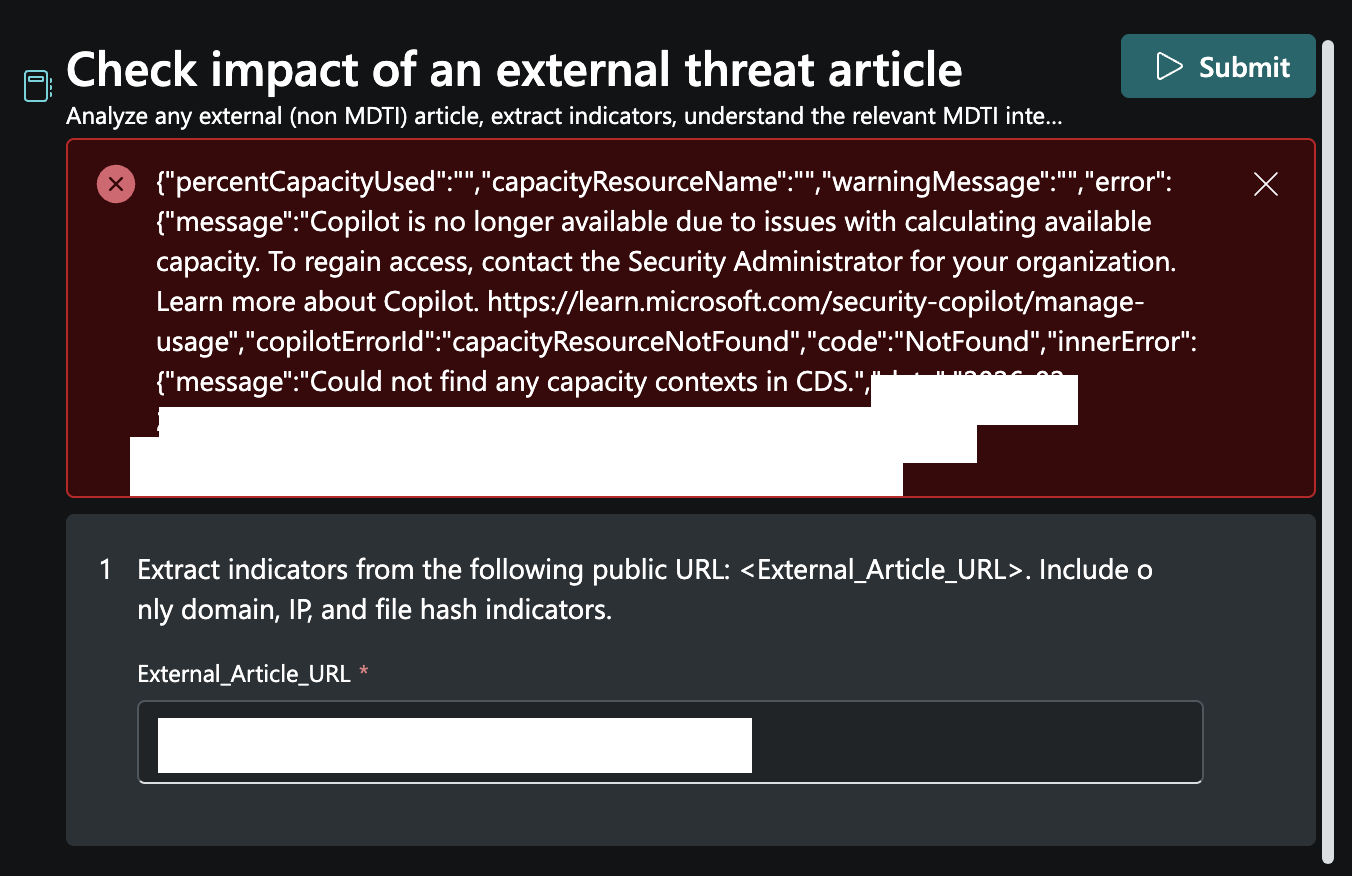
Unfortunately, whilst running the playbook an error was thrown:
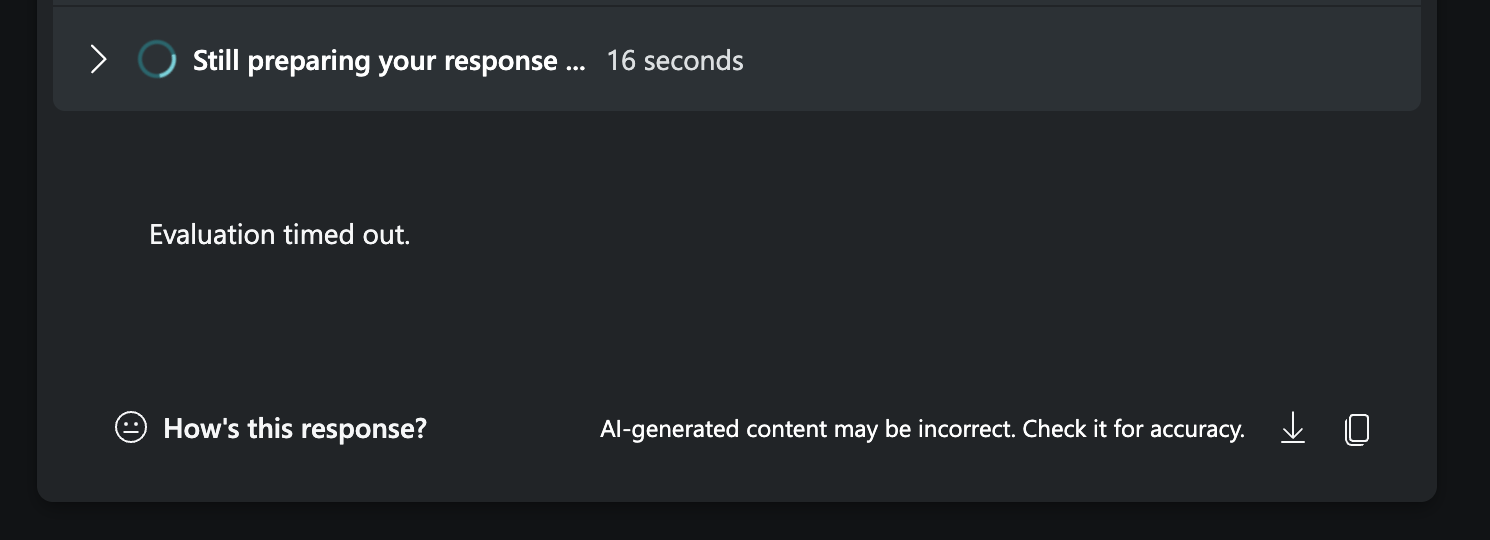
I also had timeout errors:
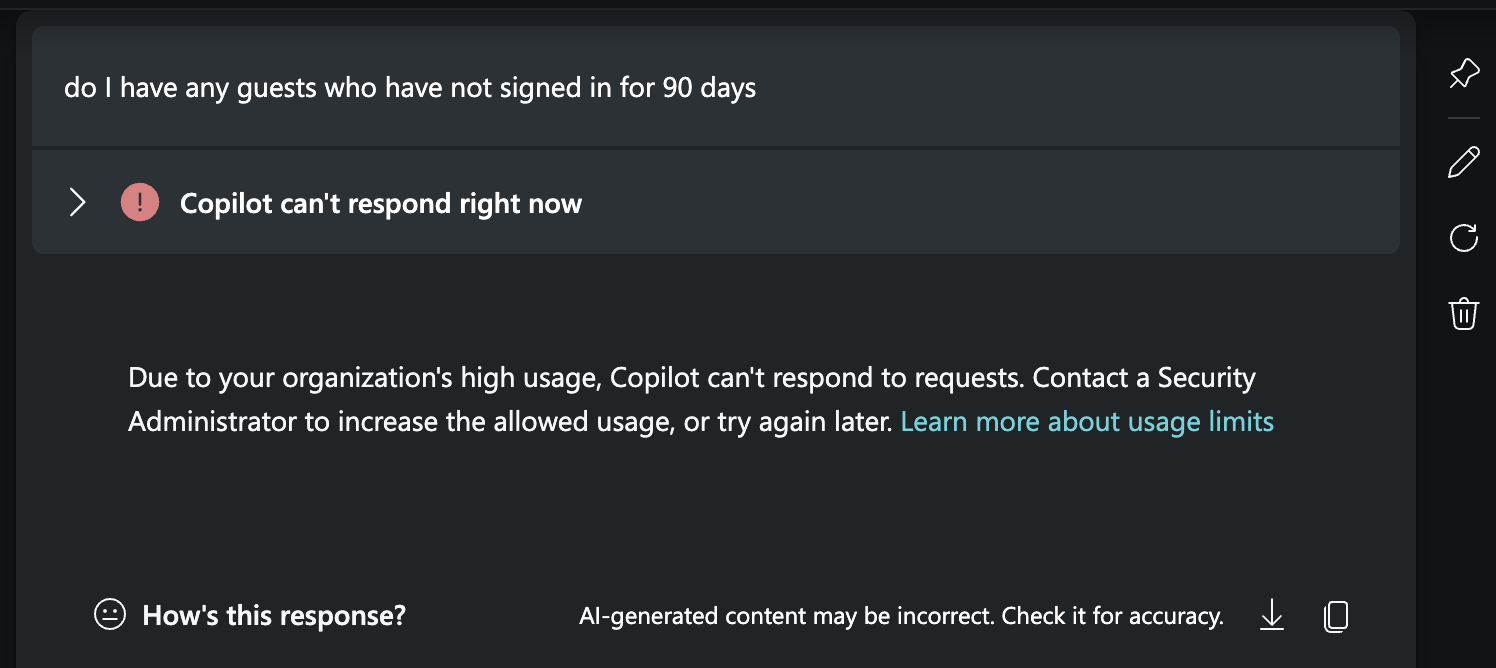
I then tried a custom prompt:

And got a series of errors - likely this was all because my capacity limit was reached with 1 SCU and 1 overage SCU.

E5 and SCU
I suspect most large organisations are using their bundled SCUs from E5. An organisation receives 400 SCUs per month per 1,000 paid Microsoft 365 E5 user licenses, up to 10,000 SCUs/month.
If you wanted to pay as you go, this would be $2920 a month per SCU. For 400 SCUs would cost $1,168,000 per month, or $14,016,000 per year. I’m not sure what the best provisioned to overage ratio is, but you’re likely pushed to just buy E5 (as is often the case).
Microsoft’s own guidance on usage monitoring and billing mechanics is worth reading: Manage security compute unit usage.
Comparison to OpenAI’s Codex Agent
I’ve got the OpenAI £20 a month ‘Plus’ subscription which gives access to Codex.
I granted Codex to run terminal commands as me.
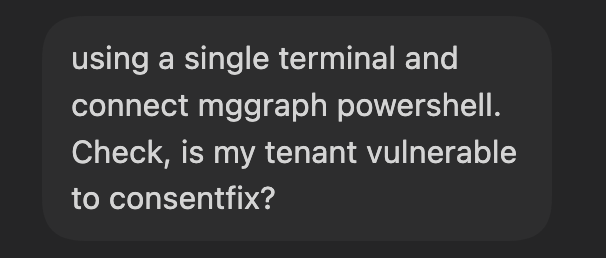
I started off by asking it the following question:
using a single terminal and connect mggraph powershell. Check, is my tenant vulnerable to consentfix?
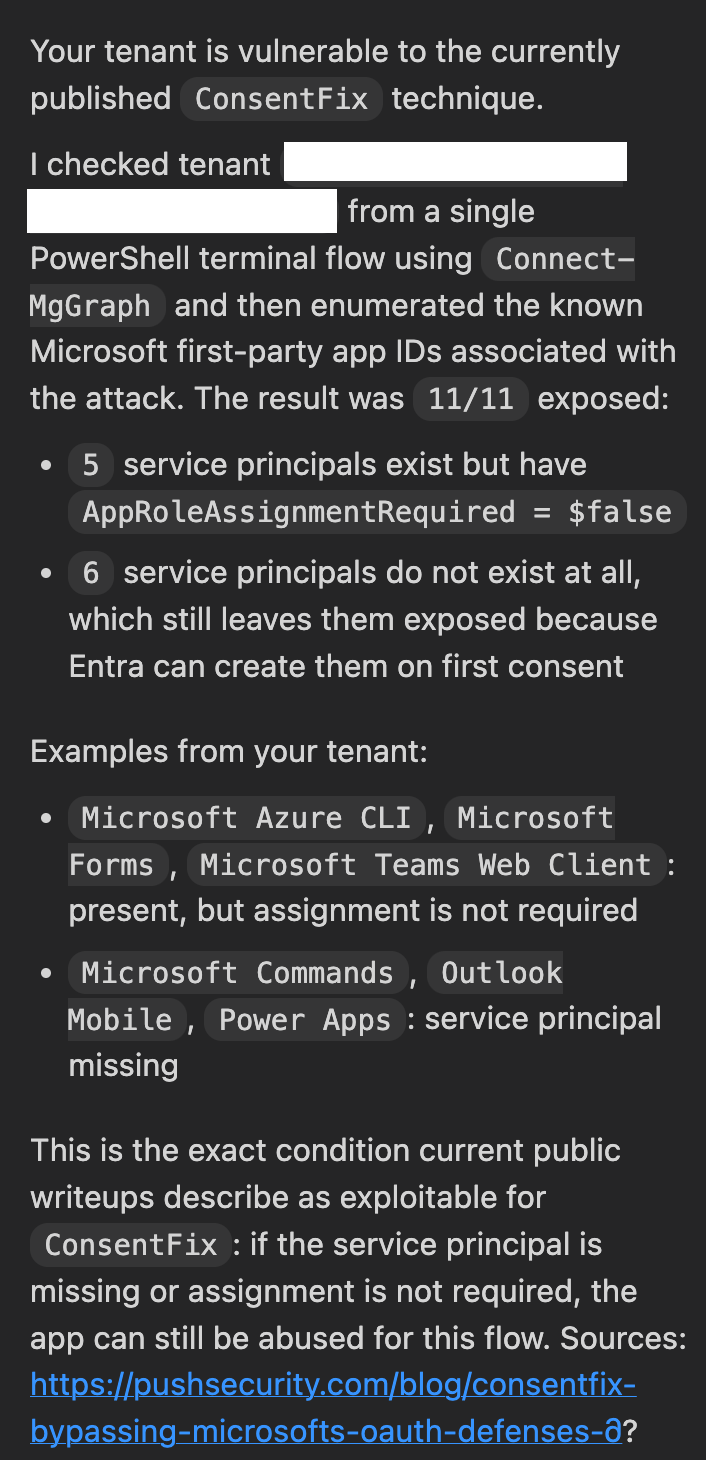
I agree with the analysis - this tenant is vulnerable to ConsentFix. The cost to do the analysis?

7% of my 5 hourly limit!
In conclusion
If you’ve got the know how, use a AI Agent like Codex to check individual queries. Consider integrating an MCP server too, and use Agent IDs (more on this later).
If you need regular scanning of your tenant, then Security CoPilot might work (if you’ve got SCUs anyway), otherwise you could build your own.